

We’ve all been there. Whether you’re trying to get a toddler to leave the playground, asking a teenager to log off a gaming console, or even telling yourself you’ll check just one more email, the phrase is universal: 5 more minutes.
It sounds like a fair compromise. In reality, it’s often the start of a power struggle.
Here is why that magic number usually fails—and how you can transform transitions from a battlefield into a breeze.
The Problem: Time is Invisible
For many people—especially children, neurodivergent individuals, or those with ADHD—time is an abstract concept. It’s not something they can see or feel.
When you say 5 minutes, you are using a quantitative measurement for a qualitative experience. If a child is deep in play, 5 minutes feels like 5 seconds. If they are doing homework, 5 minutes feels like an hour. Without a visual reference, the end of that time feels abrupt, arbitrary, and unfair.
Why 5 More Minutes Fails:
-
The Pop-up Effect: Without a visual countdown, the end of the activity feels like it comes out of nowhere, triggering a fight-or-flight response.
-
The Moving Goalpost: If you aren't consistent, 5 minutes becomes a negotiation. If you give in once, the brain learns that 5 actually means 10 if I complain enough.
-
Lack of Autonomy: It feels like a command rather than a transition.
What to Use Instead: The Power of Visualization
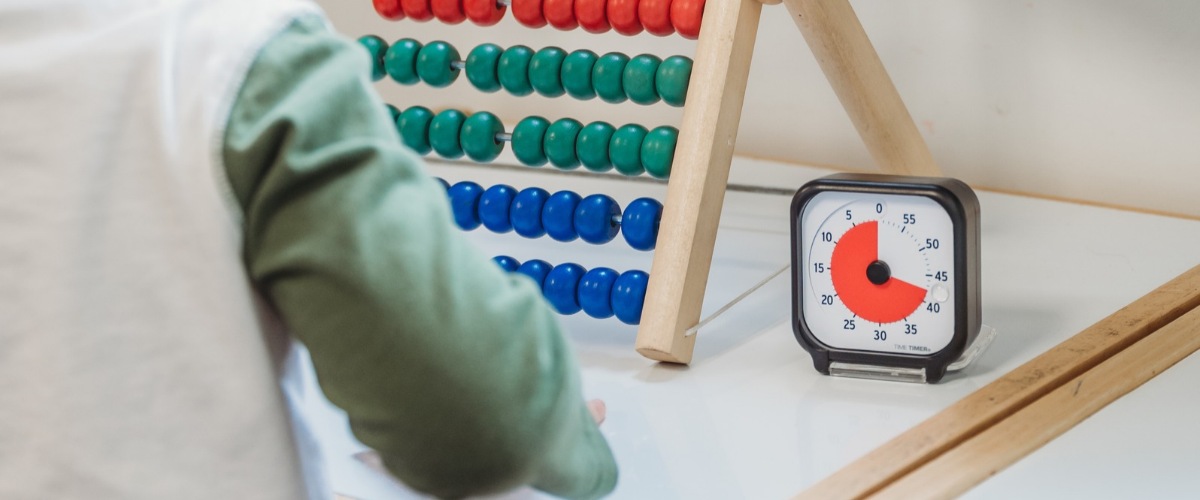
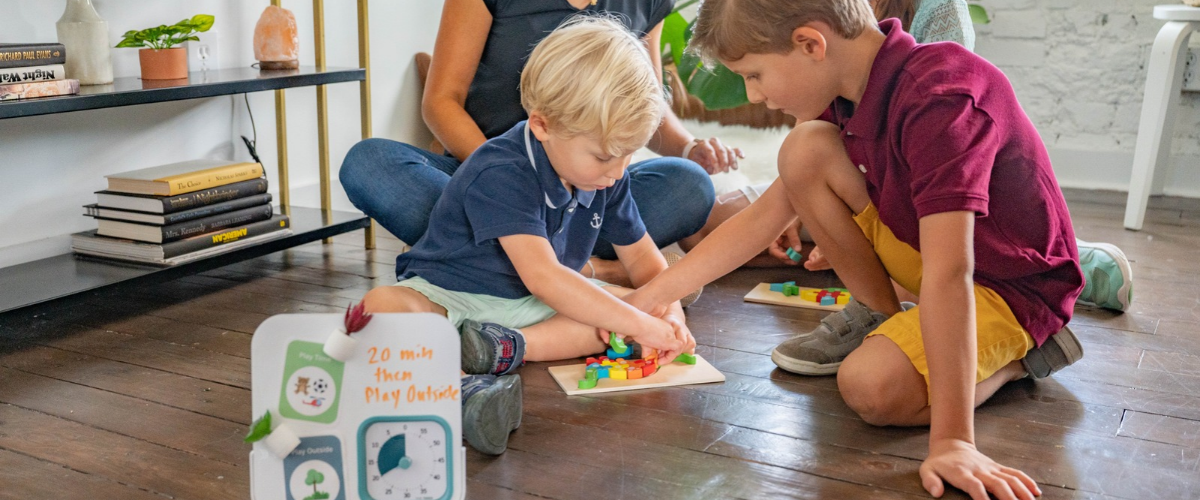
The secret to a smooth transition isn't finding a better number; it's making the time visible. This is where the Time Timer® changes the game. By turning a disappearing red disk into a representation of time passing, you move from telling to showing.
1. Use The Gap Strategy
Instead of shouting across the room, go to the person. Set a Time Timer for 5 minutes and place it in their line of sight.
-
The Benefit: They can see exactly how much fun is left. They can pace themselves and begin the mental process of winding down.
2. Pair Time with an Action
Transitioning is easier when there is a clear Bridge Activity.
-
Instead of: 5 more minutes until dinner.
-
Try: When the red on the timer disappears, it's time to put the Legos in the blue bin.
3. The Count-Up vs. Count-Down
For some, seeing time disappear is a relief; for others, it's a prompt to finish a task. Using a visual timer allows the individual to manage their own internal clock by checking the external one.
The Results: Peace of Mind
When you replace the verbal 5-minute warning with a visual tool, you stop being the bad guy who stops the fun. The visual timer becomes the neutral party.
The shift is subtle but powerful: Traditional Way Vs. The Time Timer Way
Parent/Manager: Time's up! Stop now. Result: Resistance and frustration.
vs.
User: I see the red is almost gone, I should finish this. Result: Self-regulation and cooperation.
Stop Negotiating. Start Showing.
The end of an activity shouldn't be a surprise, and it shouldn't be a battle. By moving away from the invisible 5-minute warning and toward a visual countdown, you empower your children (and yourself) to transition with confidence and calm.
Ready to make time tangible? Choose the right tool for your routine:
-
For the Student or Desk: The Time Timer® MOD features a protective silicone cover and a compact size perfect for homework or focused work blocks.
-
For On-the-Go Families: The Time Timer® PLUS comes with a rugged handle and a volume-control dial, making it the ultimate tool for moving from the playroom to the dinner table.
-
For the Big Picture: The Time Timer® Original 8” Visual Scheduler combines the classic timer with activity cards, so everyone knows exactly what is coming next.
The Smooth Transitions Checklist
Transform your daily routine from "one more minute" to "mission accomplished."
1. The Pre-Check
-
[ ] Identify the Bridge: Determine exactly what the next activity is (e.g., "From iPad to Pajamas").
-
[ ] Get Level: Don’t shout from another room. Move into the same space as your child.
-
[ ] Make Eye Contact: Ensure you have their attention before introducing the transition.
2. The Setup (The Visual Hand-Off)
-
[ ] Set the Time Timer: Choose a realistic duration (usually 5 to 10 minutes for play transitions).
-
[ ] Place it in Sight: Position the timer directly in their line of vision—don't hide it on a counter.
-
[ ] Define the Goal: State clearly: “When the red is gone, we are walking to the car.”
3. The Countdown
-
[ ] No Surprise Reminders: Avoid verbal interruptions like "2 minutes left!" Let the visual disk do the talking.
-
[ ] The One-Minute Look: If they seem distracted, simply point to the shrinking red disk without saying a word. This builds self-regulation.
4. The Finish Line
-
[ ] The Transition Bridge: Pair the end of the timer with a physical action (putting a toy in a bin, closing a laptop, or standing up).
-
[ ] Acknowledge Success: Give a quick "High five for stopping when the red was gone!" to reinforce the positive behavior.
Pro-Tip: If the transition is particularly difficult (like leaving the park), let your child be the one to physically turn the knob on the Time Timer®. Giving them control over the tool increases their "buy-in" and reduces resistance.